
Skip to content
KYY X90D Triple Laptop Screen Extender
Premium

Best for

Turning one laptop into three screens on a hotel desk

KYY X90D Triple Laptop Screen Extender

Two 15.6-inch 1080p IPS panels on an aluminium frame that stands behind a 12- to 17-inch laptop and turns it into a three-screen workstation, driven by one USB-C cable. It is the most specialised thing in this subcategory and the least like a monitor: Tom's Hardware weighed it at 3.2 lb, it has no HDMI at all, and the listing states in its own title that a driver has to be installed before it works.

As an Amazon Associate, InHomeGear earns from qualifying purchases.

See price on Amazon(opens on Amazon, affiliate link)

Pros

  • ✓ Two full 15.6-inch 1080p panels off a single USB-C cable that carries picture and power — Tom's Hardware lists the single-cable setup as its leading strength
  • ✓ Tom's Hardware measured 81.3% sRGB coverage on this model, a real step up from its predecessor and well ahead of the 67% ServeTheHome measured on KYY's own K3 in this subcategory
  • ✓ A CNC-milled aluminium chassis rather than plastic, which Tom's Hardware calls solid and well built, with a matte finish on both panels that cuts reflections
  • ✓ Each screen rotates through 360° and the built-in kickstand adjusts to about 90°, so a panel can be turned to face someone across the desk
  • ✓ Landscape and portrait on both panels, with a control wheel per screen instead of a row of buttons
  • ✓ Setup is the strongest theme in the reviews at 252 of 266 positive, and portability at 395 of 405, with everything needed in the box including the power adapter
  • ✓ 4.4★ across 5,170 ratings, and #50 in Amazon's Computer Monitors — a top-fifty seller

Cons

  • – Brightness is where it falls down hardest and the measurement is not close: Tom's Hardware recorded 181.4 nits against the 300 nits claimed, with the brightest picture modes reaching only about 203. They list "below average brightness" as a con outright — this is an indoor screen with the blinds down
  • – A driver has to be installed before it will show anything, which the listing admits in its own title. On a work laptop where you cannot install software, this device does not function at all — check that before buying, not after
  • – No HDMI of any kind. Both ports are USB-C with DisplayPort Alt Mode, so a host without Alt Mode is out, and the K3 beside it will still work over its mini-HDMI where this will not
  • – 3.2 lb of aluminium, per Tom's Hardware, and no case is included to protect two exposed 15.6-inch panels in a bag — the far cheaper K3 in this subcategory ships with a cover that doubles as its stand
  • – The listing rules out PS5, Xbox Series X and other consoles explicitly. This is a laptop accessory, not a display
  • – Tom's Hardware also flags the on-screen menu controls as awkwardly positioned, which is the kind of thing you meet every time you adjust brightness
  • – The 5,170 ratings are shared with the single-screen version and a two-pack of singles on the same listing, so a review praising how light it is may be describing one panel rather than two

KYY X90D Triple Laptop Screen Extender

Turning one laptop into three screens on a hotel desk

You might also like

More picks in this category.

Acer KB272 G0bi 27" 120Hz IPS Monitor

The most screen and the most refresh rate for around a hundred dollars

A 27-inch 1080p IPS panel running at 120Hz, which is the trade this monitor asks you to make: more screen and smoother motion than the 24-inch Philips beside it, at the cost of pixel density — the same 1920×1080 stretched across 27 inches works out to 81 pixels per inch. Covers 99% of sRGB with 178° viewing angles, carries FreeSync from 48 to 120Hz, and mounts on a 100×100 VESA arm. Ports are one HDMI and one VGA.

ASUS ProArt PA278QV 27" QHD Monitor

Colour that is right out of the box, on a stand that actually moves

The one monitor here bought for accuracy rather than speed: 27 inches of 1440p IPS at 108 pixels per inch — the sharpest text in this subcategory — factory calibrated to Delta E under 2 and covering 100% of sRGB and Rec.709. The stand is the other half of the argument: 150mm of height, 90° of pivot and swivel each way, against the tilt-only stands on the other three. It runs at 75Hz, and that is the trade.

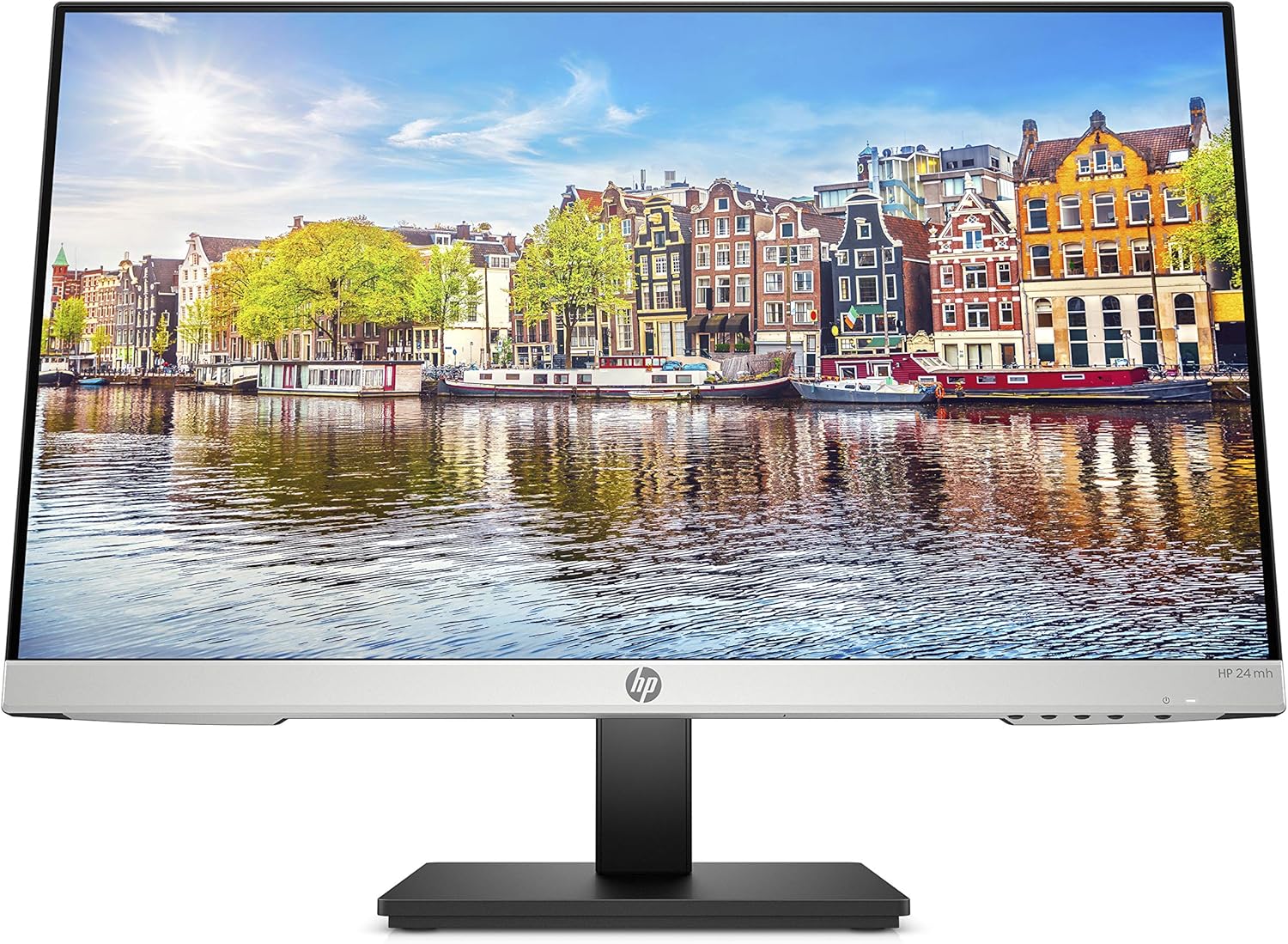
HP 24mh 24" FHD IPS Monitor

A screen that arrives, adjusts and works, with the fewest complaints of any here

The best-reviewed monitor in this subcategory and the least exciting one: 23.8 inches of 1080p IPS at 75Hz, on a stand that raises 100mm, tilts and pivots to portrait, with DisplayPort, HDMI, VGA and a pair of 2W speakers built in. What it buys is the absence of problems — 4.7★ across 25,427 ratings with no review theme where complaints outnumber praise. What it does not buy is any headline number: no Adaptive-Sync, 250 nits, 1000:1.

KYY X90D Triple Laptop Screen Extender

See price on Amazon(opens on Amazon, affiliate link)